
Picking the next book
Open the queue and see what you set aside to read later.
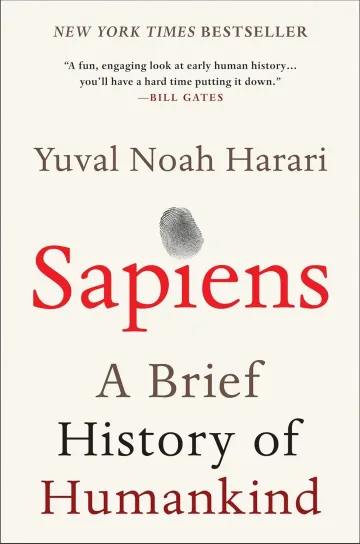
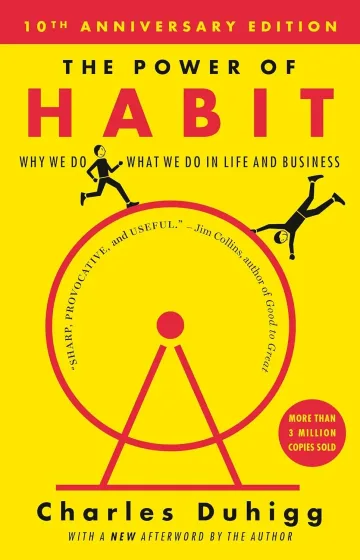
Reading, queued, finished and paused. The Library shows each group with covers and, right below, shortcuts to your highlights, notes, authors and themes.
Add books through search, by hand or by importing from Goodreads. Inside each book you find progress, reading sessions, highlights and notes. The Books this year collection builds itself from what you finish.
When you reach the last page, the app shows the book's cover and asks for a rating from 1 to 5. If you like, write a line about it. The books you read in the year sit on a shelf, month by month.
Machado de Assis
p. 254 of 256 · 2 pages left
A twelve-month shelf that follows your goal.
Open the queue and see what you set aside to read later.
Open a book in progress, see which page you stopped on and start the timer.
Open the book to see its highlights and notes, or look it up with search.
What people ask most about this feature.
By reading status and by collections. You can also browse by author and by theme.
A collection the app builds by itself from the books you finished in the year.
The Library and search do. Searching for new books and importing from Kindle need a connection, and syncing between devices depends on iCloud.